Customer Resources: Tools for Success
1:42
Share
Related Videos
In Recently Added
-
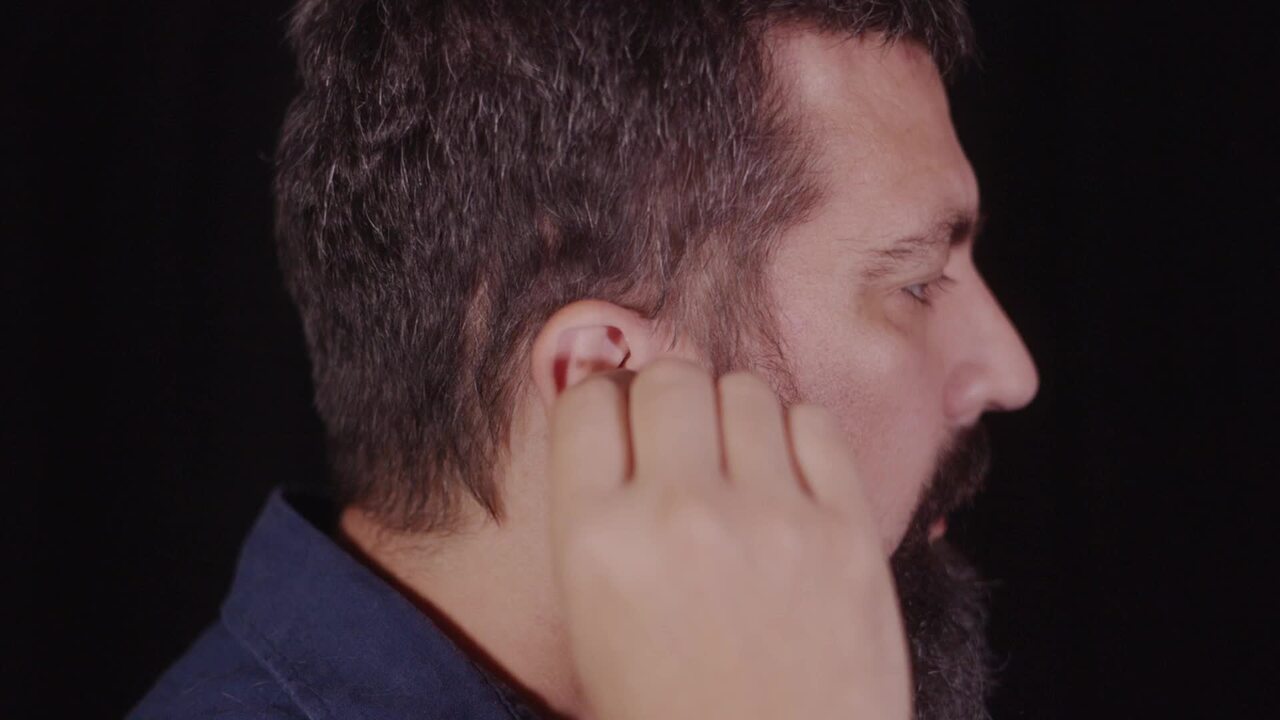
Play video How to wear your Galaxy Buds for the best sound and fit
How to wear your Galaxy Buds for the best sound and fit
For the best sound and fit, adjust your Samsung Galaxy Buds to prevent a gap between your ear and the ear tip.
1:51
-
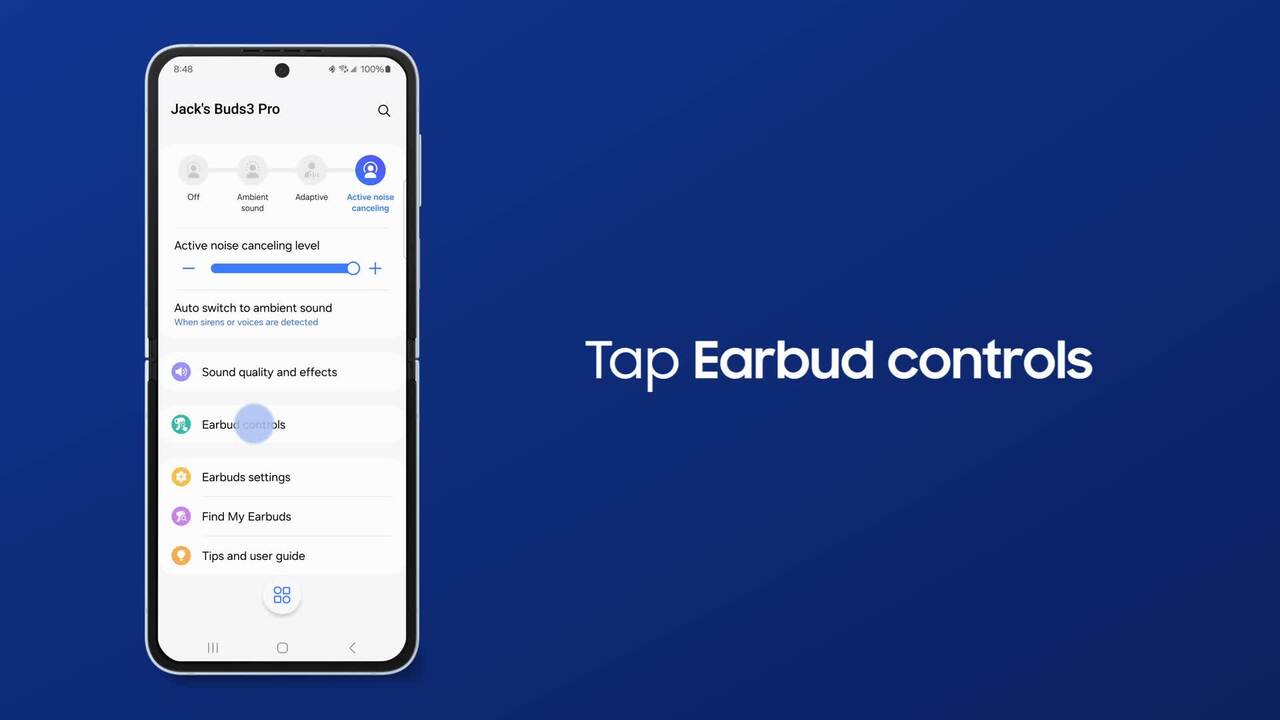
Play video Using noise and touch controls on your Galaxy earbuds
Using noise and touch controls on your Galaxy earbuds
It’s easy to find your Galaxy Buds3 Pro settings and just takes a simple tap or swipe to control them.
2:10
-
Play video Use Samsung Smart Switch wireless transfer to move data from Android to Galaxy
Use Samsung Smart Switch wireless transfer to move data from Android to Galaxy
With Samsung Smart Switch, you can wirelessly transfer photos, videos, contacts and more from your Android to your new Galaxy phone!
1:51
-
Play video Use Samsung Smart Switch to back up your data to PC or Mac
Use Samsung Smart Switch to back up your data to PC or Mac
Samsung Smart Switch makes it easy to back up data to your phone from a PC or Mac!
0:54
-
Play video Use Samsung Smart Switch wired transfer to move data from Android to Galaxy
Use Samsung Smart Switch wired transfer to move data from Android to Galaxy
With Samsung Smart Switch, you can transfer photos, videos, contacts and more from your Android to your new Galaxy phone with a wired transfer!
1:57
-
Play video Use Samsung Smart Switch wireless transfer to move your iOS data to Galaxy
Use Samsung Smart Switch wireless transfer to move your iOS data to Galaxy
With Samsung Smart Switch, you can wirelessly transfer photos, videos, contacts and more from your iPhone to your new Galaxy phone! It’s best to use wireless transfers when moving more content because the phones can charge while transferring.
1:41