Galaxy S23 Series: Specs & Features
1:28
Share
Related Videos
In Galaxy S
-
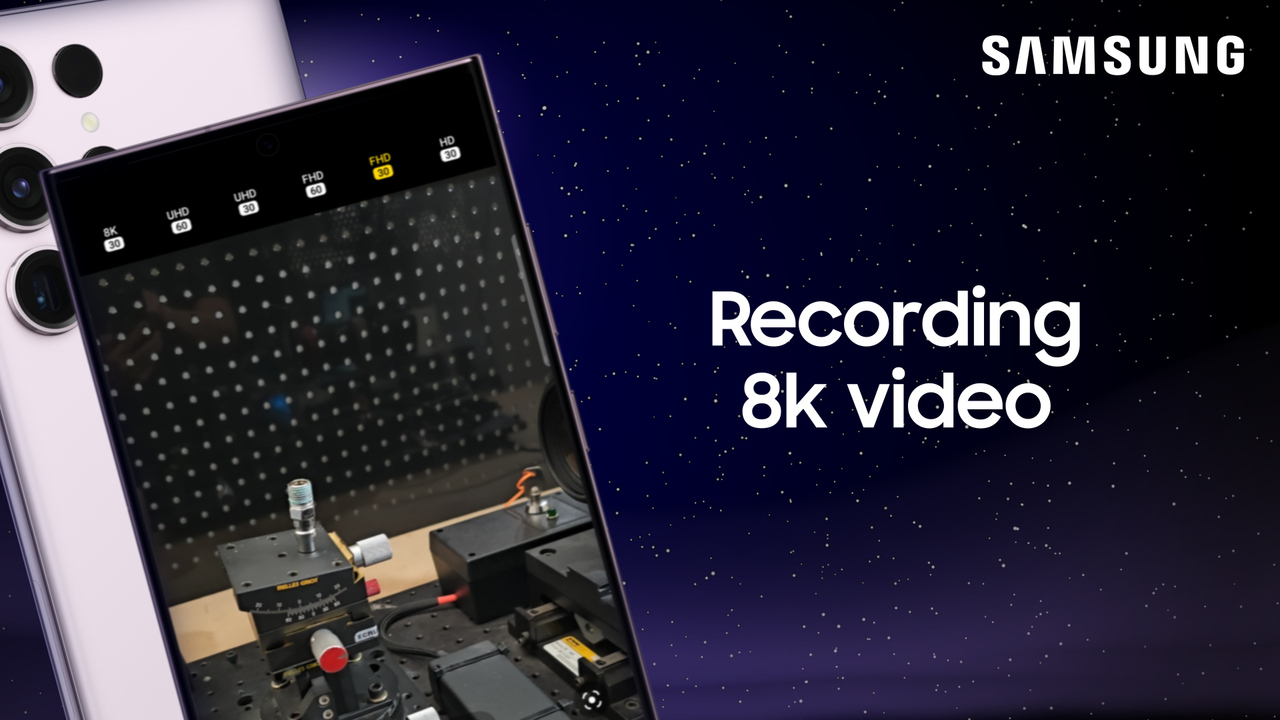
Play video Record videos in 8K on your Samsung Galaxy S23 series phone
Record videos in 8K on your Samsung Galaxy S23 series phone
Shooting in 8K on your Galaxy phone is simple! To get started, open your camera and select video mode. From the viewer, you can see the resolution at the top of the screen. If you see FHD, UHD, or HD, tap it, and then tap 8K 30.
0:51
-
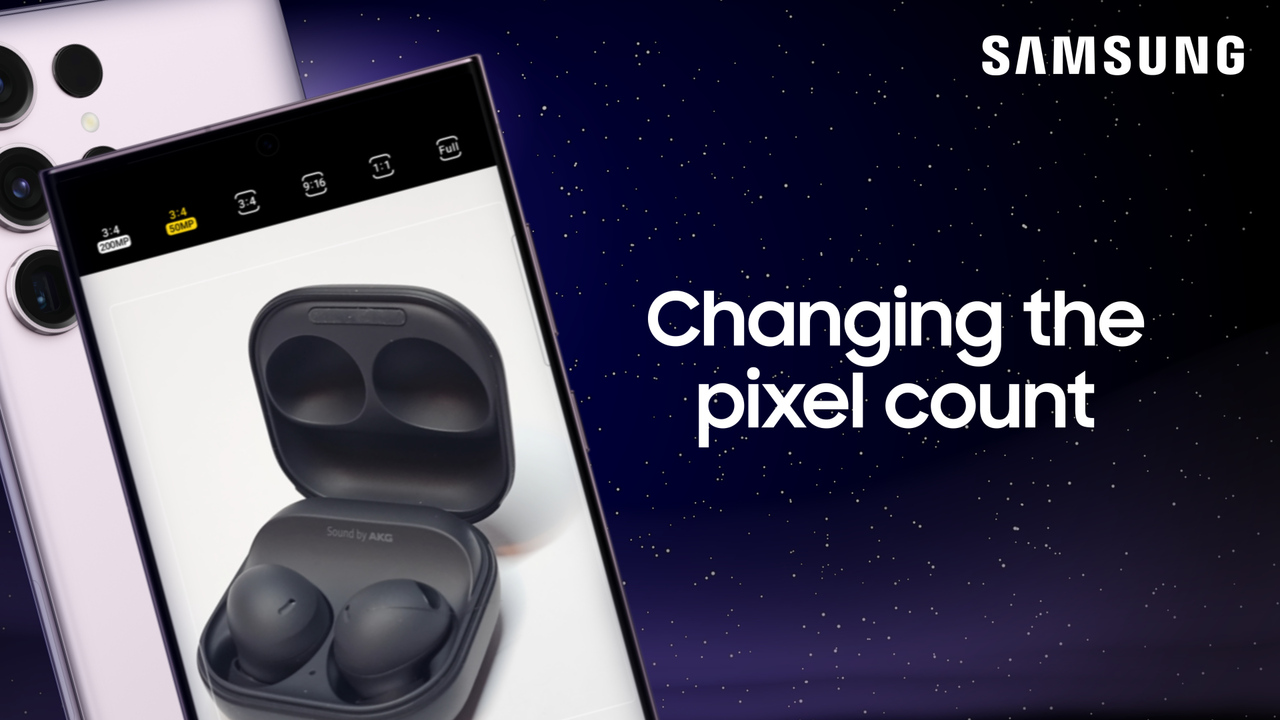
Play video Switch between 50 and 200 megapixels on your Galaxy S23 Ultra camera
Switch between 50 and 200 megapixels on your Galaxy S23 Ultra camera
The Galaxy S23 Ultra has five rear cameras, including a 12MP ultra wide lens, two 10MP telephoto lenses, and a 200MP wide lens! The camera defaults to 50MP wide lens.
0:57
-
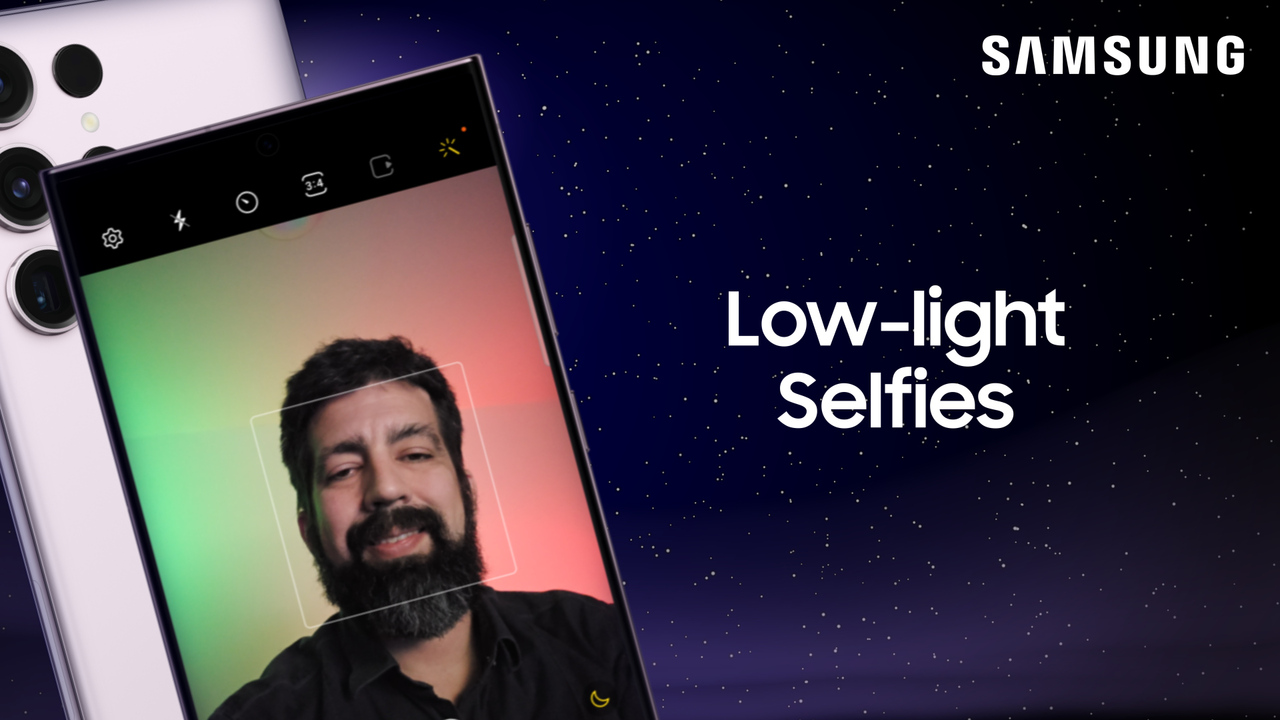
Play video Take night-time selfies in the dark on your Galaxy S23 series phone
Take night-time selfies in the dark on your Galaxy S23 series phone
Your Samsung Galaxy phone can take amazing low-light selfies. You don’t need to tinker with the various camera settings or edit the photos to remove shadows and adjust the contrast. Just turn on Scene Optimizer and let your phone do the work for you!
0:46
-
Play video Galaxy S22 Series Certified Re-Newed
Galaxy S22 Series Certified Re-Newed
1:17
-
Play video Share Samsung Notes in Galaxy S9 Tablet for greater collaboration
Share Samsung Notes in Galaxy S9 Tablet for greater collaboration
Shared Notes in the Samsung Notes is a great tool for staying organized and productive when working on a team project!
1:11
-
Play video How to self-repair your Galaxy S21 charging port with Samsung Genuine Parts
How to self-repair your Galaxy S21 charging port with Samsung Genuine Parts
With the Samsung Galaxy S21 series self-repair program, save time and minimize e-waste by taking simple repair and replacement into your own hands!
4:51